
Practical engineering guidance
AD FS DKM ACL hardening: prepare before October 2026 enforcement
The October 2026 Windows update can automatically replace insecure AD FS DKM container permissions. Audit the events, preserve the current descriptor, remediate deliberately and validate the farm.
Series: Security hardening
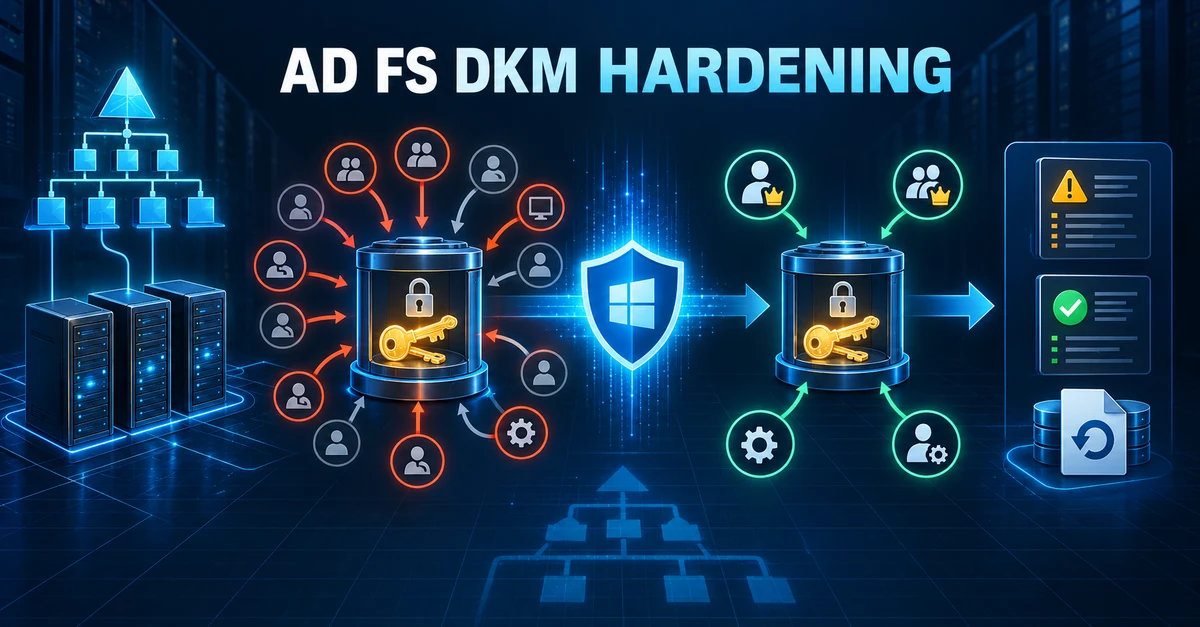
The October 2026 Windows security update changes an AD FS permission issue from something an administrator can observe into something the platform can remediate automatically.
The object involved is the Distributed Key Manager, or DKM, container in Active Directory. AD FS uses the keys stored there to protect the private keys of its token-signing and token-encryption certificates. An account that can read DKM key material may be able to decrypt those certificate private keys. That makes an overly permissive DKM access control list more than a directory hygiene problem.
Microsoft introduced detection with the July 14, 2026 security update. Beginning with the October 13, 2026 update, supported Windows Server versions from 2016 onward run remediation by default when the ACL is insecure. The resulting ACL blocks inheritance, discards inherited entries and removes explicit allow entries that are not part of Microsoft’s secure state.
That is the right security outcome, but an automatic permission change should not be the first time the federation team discovers who has access to the container.
What the update considers secure
After remediation, access is limited to these principals:
| Principal | Expected access |
|---|---|
| Domain Admins | Full control |
| Enterprise Admins | Full control |
| SYSTEM | Full control |
| AD FS service account | Read, write, create child, write owner and delete tree |
Inheritance is disabled. Inherited access control entries are discarded, and other explicit allow entries are removed.
Before accepting that change, determine whether any unsupported operational process depends on an additional entry. A monitoring identity, backup product or old administrative workflow may have been granted access years ago. Its presence does not make the ACL safe, but discovering the dependency during an update is the wrong time to redesign it.
1. Inventory the farm and service identity
Run the following from an elevated PowerShell session on an AD FS server. These commands read configuration and service information; they do not change the farm.
Import-Module ADFS

$farm = Get-AdfsFarmInformation
$properties = Get-AdfsProperties
$service = Get-CimInstance Win32_Service -Filter "Name='adfssrv'"

[pscustomobject]@{
    FarmBehaviorLevel = $farm.FarmBehavior
    DkmContainerDn    = $properties.CertificateSharingContainer
    ServiceAccount    = $service.StartName
    ServiceState      = $service.State
}
Record every node in the farm and confirm that it has the July 2026 security update or a later cumulative update. Patch consistency matters because detection runs locally when the AD FS service starts and then every 24 hours.
Get-HotFix |
    Sort-Object InstalledOn -Descending |
    Select-Object -First 10 HotFixID, InstalledOn, Description
Do not infer compliance from a single server. Check each farm node through your patch-management inventory or run the read-only checks remotely using your normal administration process.
2. Read the AD FS events before touching the ACL
Microsoft records the result in Applications and Services Logs > AD FS > Admin.
| Event | Meaning |
|---|---|
| 1132 | The DKM ACL does not match the expected secure state |
| 1133 | The DKM ACL is already healthy |
| 1134 | The detection task failed, for example because LDAP was unavailable |
| 1135 | Remediation succeeded; the event includes the previous SDDL |
| 1136 | Remediation was attempted but failed |
Collect the latest events from each server:
$ids = 1132, 1133, 1134, 1135, 1136

Get-WinEvent -FilterHashtable @{
    LogName   = 'AD FS/Admin'
    Id        = $ids
    StartTime = (Get-Date).AddDays(-30)
} -ErrorAction Stop |
    Select-Object TimeCreated, Id, LevelDisplayName, MachineName, Message |
    Sort-Object TimeCreated -Descending
Treat event 1134 as an incomplete assessment, not as evidence that the ACL is healthy. Resolve the LDAP or service-account access failure and allow the check to run again.
3. Preserve the current security descriptor
Even when event 1132 already contains the current SDDL, capture the live descriptor in a protected change record. The following reads the DKM object and writes its complete SDDL to a timestamped file on the AD FS server.
$dkmContainerDn = (Get-AdfsProperties).CertificateSharingContainer
$directoryEntry = New-Object System.DirectoryServices.DirectoryEntry(
    "LDAP://$dkmContainerDn"
)

$currentSddl = $directoryEntry.ObjectSecurity.GetSecurityDescriptorSddlForm(
    [System.Security.AccessControl.AccessControlSections]::All
)
$directoryEntry.Close()

$backupDirectory = 'C:\ADFSBackup'
New-Item -Path $backupDirectory -ItemType Directory -Force | Out-Null

$timestamp = Get-Date -Format 'yyyyMMdd-HHmmss'
$backupPath = Join-Path $backupDirectory "dkm-acl-$timestamp.sddl.txt"
$currentSddl | Set-Content -Path $backupPath -Encoding UTF8

Get-FileHash -Path $backupPath -Algorithm SHA256
Restrict the backup because a security descriptor exposes the structure of privileged access. Store its hash with the change record and copy it to your approved administrative evidence location.
You can also make the existing access entries human-readable:
$entry = New-Object System.DirectoryServices.DirectoryEntry(
    "LDAP://$dkmContainerDn"
)

$entry.ObjectSecurity.Access |
    Select-Object IdentityReference,
                  ActiveDirectoryRights,
                  AccessControlType,
                  IsInherited,
                  InheritanceType |
    Sort-Object IdentityReference

$entry.Close()
Review unexpected principals with the identity, PKI and federation owners. Do not simply copy an unnecessary entry back after remediation.
4. Check the remediation control
The value is farm-oriented but is set on an AD FS server under the local AD FS registry path. Read its current state before the October update:
$adfsRegistryPath = 'HKLM:\SOFTWARE\Microsoft\ADFS'

Get-ItemProperty -Path $adfsRegistryPath -Name RemediateDkmAcl `
    -ErrorAction SilentlyContinue |
    Select-Object RemediateDkmAcl
Interpret the result carefully:
- Missing during audit mode: no opt-in remediation has been requested.
- 1: remediation is enabled; during audit mode it runs on the next detection cycle.
- 0: remediation is explicitly disabled. After the October update, detection continues but automatic remediation is prevented.
An opt-out should be a short, documented exception with an owner, a compatibility reason and an expiry date. It leaves the insecure ACL in place.
5. Test remediation before enforcement
For Windows Server 2016 and later, Microsoft recommends opting in during audit mode rather than waiting for enforcement. Schedule a change window, confirm application owners are available and set the value on one AD FS server:
$adfsRegistryPath = 'HKLM:\SOFTWARE\Microsoft\ADFS'

New-ItemProperty -Path $adfsRegistryPath `
    -Name RemediateDkmAcl `
    -PropertyType DWord `
    -Value 1 `
    -Force
You can wait up to 24 hours for the next cycle. Restarting the AD FS service triggers the check sooner, but that is a service-impacting action and should follow the farm’s normal maintenance sequence. Do not restart every node simultaneously.
After the cycle, look for event 1135:
Get-WinEvent -FilterHashtable @{
    LogName = 'AD FS/Admin'
    Id      = 1135, 1136
} -MaxEvents 10 |
    Select-Object TimeCreated, Id, LevelDisplayName, Message
Immediately export the successful event because it contains the previous SDDL and the log may eventually roll over:
$event = Get-WinEvent -FilterHashtable @{
    LogName = 'AD FS/Admin'
    Id      = 1135
} -MaxEvents 1

$event.Message | Set-Content `
    -Path 'C:\ADFSBackup\dkm-remediation-event-1135.txt' `
    -Encoding UTF8
Windows Server 2012 and 2012 R2 require a separate step
Automatic enforcement does not apply to Windows Server 2012 or 2012 R2. Before enabling
remediation, Microsoft requires the AD FS service account to receive WriteOwner and
WriteDacl on the DKM container so that it can perform the change.
Use Microsoft’s platform-specific sequence rather than applying the Server 2016 procedure unchanged. The essential preparation is:
$dkmContainerDn = (Get-AdfsProperties).CertificateSharingContainer
$serviceAccount = (
    Get-CimInstance Win32_Service -Filter "Name='adfssrv'"
).StartName

$sid = (New-Object System.Security.Principal.NTAccount(
    $serviceAccount
)).Translate(
    [System.Security.Principal.SecurityIdentifier]
)

$entry = New-Object System.DirectoryServices.DirectoryEntry(
    "LDAP://$dkmContainerDn"
)

$rights = (
    [System.DirectoryServices.ActiveDirectoryRights]::WriteOwner -bor
    [System.DirectoryServices.ActiveDirectoryRights]::WriteDacl
)

$rule = New-Object System.DirectoryServices.ActiveDirectoryAccessRule(
    $sid,
    $rights,
    [System.Security.AccessControl.AccessControlType]::Allow,
    [System.DirectoryServices.ActiveDirectorySecurityInheritance]::All
)

$entry.ObjectSecurity.AddAccessRule($rule)
$entry.CommitChanges()
$entry.Close()
This is a directory write. Review the current ACL, confirm the resolved SID belongs to the actual
AD FS service identity and perform it only in an approved change window. Then set
RemediateDkmAcl to 1 and validate event 1135 as described in Microsoft’s guidance.
6. Validate federation, not only the event ID
Event 1135 proves that the permission task completed. It does not prove that every relying party and authentication path still works.
Validate at least:
- The AD FS Windows service is running on every node.
- The federation metadata endpoint responds normally.
- A representative internal sign-in succeeds.
- A representative external sign-in through the Web Application Proxy succeeds, if used.
- Token issuance works for important claims-rule and certificate-authentication paths.
- The farm has no new AD FS/Admin, Directory Service or Schannel errors.
- Event 1133 appears on a later health cycle and event 1132 does not return.
Example service and metadata checks:
Get-Service adfssrv | Select-Object Status, StartType, Name

$federationServiceName = (Get-AdfsProperties).HostName
$metadataUri = "https://$federationServiceName/FederationMetadata/2007-06/FederationMetadata.xml"

Invoke-WebRequest -Uri $metadataUri -UseBasicParsing |
    Select-Object StatusCode, StatusDescription
Run sign-in tests from the networks and client paths users actually use. A successful metadata request alone does not exercise token issuance.
7. Keep rollback available, but do not make it the normal outcome
Microsoft includes the previous SDDL in event 1135. If a confirmed compatibility failure requires restoration, use the preserved container DN and exact previous SDDL in an elevated, domain-joined administrative session:
$dn = '<DKM container distinguished name>'
$previousSddl = '<exact previous SDDL preserved before remediation>'

$entry = New-Object System.DirectoryServices.DirectoryEntry("LDAP://$dn")
$entry.ObjectSecurity.SetSecurityDescriptorSddlForm(
    $previousSddl,
    [System.Security.AccessControl.AccessControlSections]::All
)
$entry.CommitChanges()
$entry.Close()
Restoring the complete security descriptor requires appropriate privileges, including the
ability to write the SACL. If the previous insecure state is restored, Microsoft directs
administrators to set RemediateDkmAcl to 0 so that the next cycle does not immediately apply
the secure ACL again:
Set-ItemProperty -Path 'HKLM:\SOFTWARE\Microsoft\ADFS' `
    -Name RemediateDkmAcl `
    -Value 0 `
    -Type DWord
That is a temporary exception, not remediation. Investigate the dependency, design the minimum required access and return to the secure state.
A practical readiness checklist
- Every AD FS node has the July 2026 or later security update.
- The DKM container DN and AD FS service identity are documented.
- Events 1132, 1133 and 1134 were reviewed on every node.
- The current full SDDL and a SHA-256 hash are stored securely.
- Unexpected explicit and inherited entries have identified owners.
- Server 2012/2012 R2 farms follow their separate permission prerequisite.
- Remediation is tested in a controlled window before October enforcement.
- Event 1135 is preserved, or event 1136 is investigated.
- Internal, external and important relying-party sign-ins are tested.
- Any opt-out is time-limited, owned and recorded as a security exception.
Verification and limits
This article was checked against Microsoft’s KB5121391 guidance and the Windows message center on 7 October 2026. The commands separate read-only discovery from directory and registry writes, but they cannot account for custom identities, delegated administration or applications in a particular farm. Test the procedure against your topology and change-control requirements.
References
Reader feedback
Was this article useful?
No ratings yet. Be the first to rate this article.