
Practical engineering guidance
Exchange Online NDR 5.7.1: separate relay, policy, connector and recipient failures
5.7.1 is a permanent rejection family, not one cause. Read the enhanced status text and message path before changing connectors, transport rules or spam policy.
Series: Microsoft troubleshooting field guides
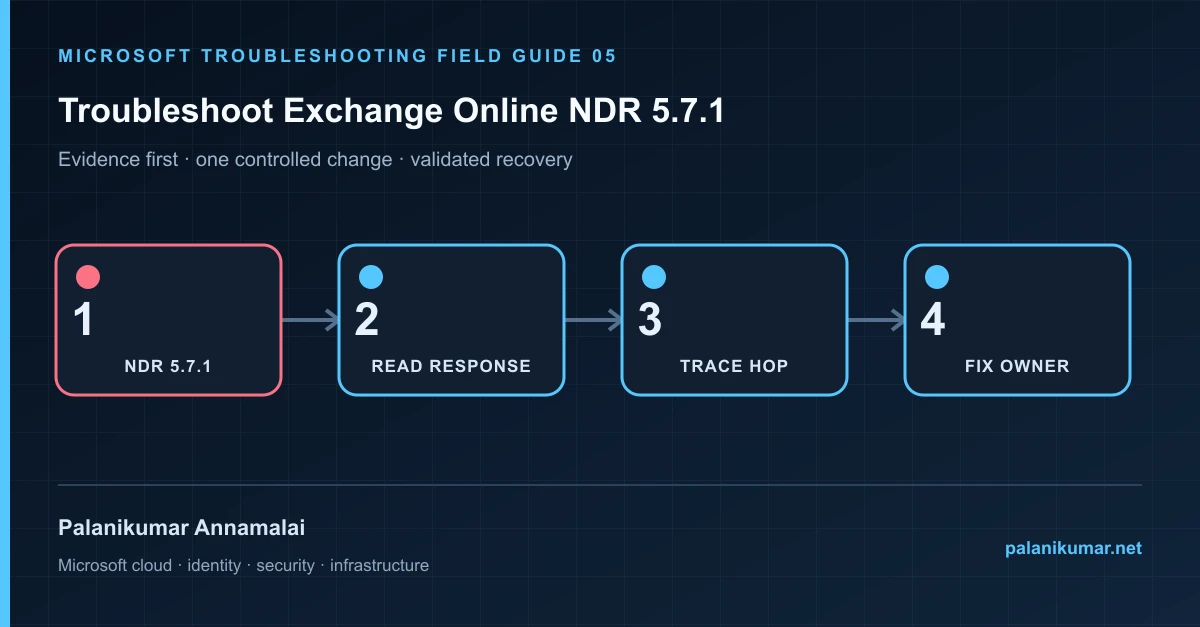
5.7.1 is a permanent rejection family, not one cause. Read the enhanced status text and message path before changing connectors, transport rules or spam policy.
The fastest safe repair is rarely the first setting that makes the error disappear. Start by identifying the failed layer, preserve the evidence, change one cause and repeat the same test.
Recognise the failure
- The sender receives 550 5.7.1 but the wording varies between recipients.
- Internal mail works while relay through a connector fails.
- Only one external domain rejects messages.
- A transport rule or Defender policy rejects mail that appears legitimate.
Write down the affected identity or resource, UTC time, client, source network and correlation or request ID before retrying. Nearby successful events are useful comparisons, but they are not the failed transaction.
Collect evidence before changing configuration
The following commands are read-only unless a comment explicitly says otherwise. Replace every placeholder and use the least-privileged administrative role that can read the required data.
Connect-ExchangeOnline
$start = (Get-Date).AddHours(-6)
Get-MessageTraceV2 -StartDate $start -EndDate (Get-Date) `
  -SenderAddress 'sender@contoso.com' -RecipientAddress 'recipient@example.net' |
  Select-Object Received, Subject, Status, MessageTraceId

# Use the returned trace identity and recipient for event detail.
Get-MessageTraceDetailV2 -MessageTraceId '<trace-id>' `
-RecipientAddress 'recipient@example.net' -StartDate $start -EndDate (Get-Date)| Evidence | What it proves |
|---|---|
| Complete diagnostic text | The text after 5.7.1 identifies relay denial, policy rejection, sender authentication or remote response. |
| Last accepting hop | Determine whether Exchange Online or the remote system generated the rejection. |
| Connector used | Check sender domain, source IP, certificate subject and connector restrictions. |
| Policy event | Review transport rule, anti-spam, tenant allow/block and Defender verdicts. |
| Recipient state | Confirm accepted domain, recipient type, address and forwarding path. |
Work through the likely causes
1. Relay was not authenticated
Use the supported submission or relay method. Align connector source IP or certificate with the actual sending system; never enable open relay.
2. A Microsoft 365 policy rejected the message
Use trace detail and Explorer to identify the exact rule or verdict. Adjust the narrow condition, not the entire protection policy.
3. The remote recipient rejected it
Preserve the remote hostname, SMTP response and timestamp. Validate SPF, DKIM, DMARC, reputation and recipient policy before asking the remote operator.
4. The address or domain routes incorrectly
Check accepted-domain type, recipient object, proxy addresses, forwarding and connector route. A DNS or target-domain error can masquerade as authorization failure.
Make the fix controlled and reversible
Before changing production, capture the current configuration, name the owner of the affected service and define the rollback trigger. Prefer the narrowest change that corrects the proven cause. Do not disable a tenant-wide security control, remove a protection policy or broaden a role simply to see whether the symptom changes.
Where a change affects identity, mail flow, security telemetry or network routing, use a test object or limited scope first. Record the exact command or portal setting, the operator, timestamp and the evidence that justified it.
Validate the repair
- Send a uniquely identifiable test message through the same route.
- Confirm message trace reaches Delivered or the intended connector event.
- Verify unrelated senders and domains were not opened by the fix.
- Retain the original and successful trace IDs.
A successful portal message is not the end of validation. Confirm the user or workload outcome, the relevant audit or health record and the absence of a weaker fallback path.
Evidence to keep
- the original error, correlation or request ID and UTC timestamp;
- the read-only command output that identified the failed layer;
- before-and-after configuration for the specific change;
- the successful validation transaction; and
- any limitation that still needs monitoring or vendor escalation.
References
Reader feedback
Was this article useful?
No ratings yet. Be the first to rate this article.