
Practical engineering guidance
Active Directory SRV records are missing: test registration, zone health and replication
Clients locate domain controllers through DNS SRV records. When they disappear, test the query, secure dynamic update, Netlogon registration and AD-integrated zone replication in sequence.
Series: Microsoft troubleshooting field guides
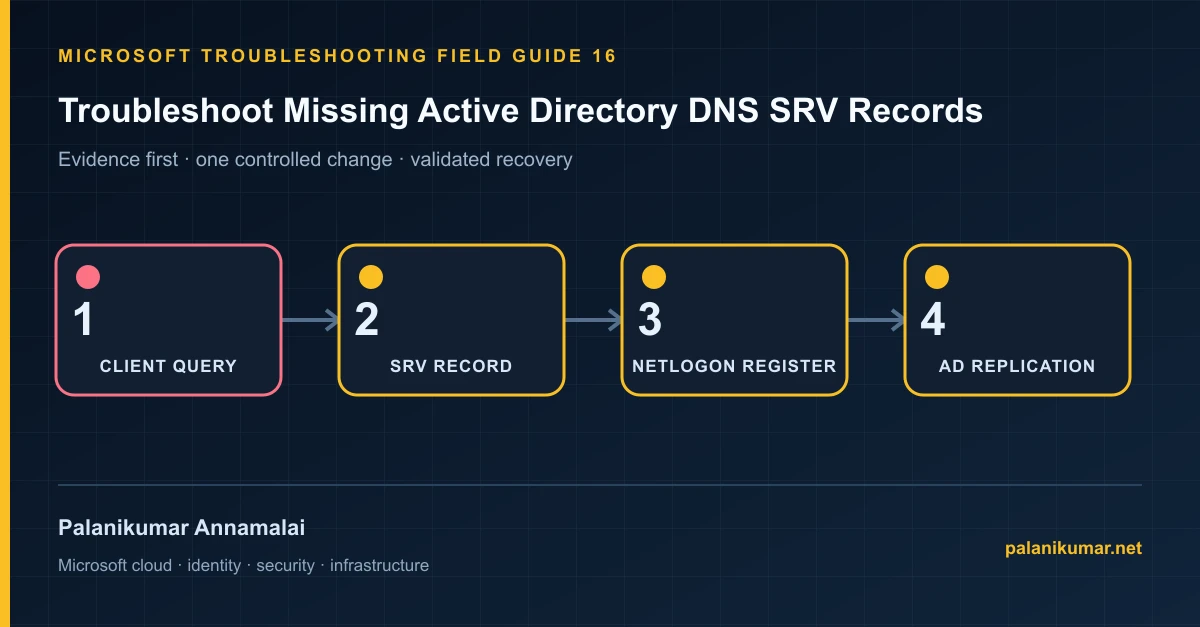
Clients locate domain controllers through DNS SRV records. When they disappear, test the query, secure dynamic update, Netlogon registration and AD-integrated zone replication in sequence.
The fastest safe repair is rarely the first setting that makes the error disappear. Start by identifying the failed layer, preserve the evidence, change one cause and repeat the same test.
Recognise the failure
- Clients report that the domain does not exist or cannot be contacted.
- DC locator queries return NXDOMAIN for _ldap or _kerberos records.
- A domain controller is healthy locally but missing from another DNS server.
- Records return and then disappear after scavenging or policy processing.
Write down the affected identity or resource, UTC time, client, source network and correlation or request ID before retrying. Nearby successful events are useful comparisons, but they are not the failed transaction.
Collect evidence before changing configuration
The following commands are read-only unless a comment explicitly says otherwise. Replace every placeholder and use the least-privileged administrative role that can read the required data.
$domain = 'contoso.com'
Resolve-DnsName "_ldap._tcp.dc._msdcs.$domain" -Type SRV
Resolve-DnsName "_kerberos._tcp.$domain" -Type SRV

dcdiag /test:dns /v /s:<DCName>
dcdiag /test:dns /v /s:<DCName> /DnsDynamicUpdate
repadmin /replsummary
repadmin /showrepl <DCName>| Evidence | What it proves |
|---|---|
| Client DNS servers | Domain members must query DNS servers that host or can resolve the AD zones. |
| Specific SRV query | Prove which record and which DNS server fails. |
| Netlogon events and Netlogon.dns | Netlogon owns DC locator registration. |
| Dynamic-update test | DCDIAG distinguishes registration permission from record absence. |
| AD replication | AD-integrated DNS changes depend on directory partition replication. |
Work through the likely causes
1. The DC points to unsuitable DNS
Configure domain controllers and members to use AD-capable DNS servers; use forwarders for internet resolution.
2. Secure dynamic update fails
Correct zone update policy, ACL or DC account permissions based on DCDIAG evidence.
3. Netlogon registration is disabled or failing
Review Netlogon parameters and events, then restart Netlogon or run nltest /dsregdns after correcting the cause.
4. Scavenging or replication removes records
Correct aging intervals and AD replication first. Recreating records manually will not survive the next deletion.
Make the fix controlled and reversible
Before changing production, capture the current configuration, name the owner of the affected service and define the rollback trigger. Prefer the narrowest change that corrects the proven cause. Do not disable a tenant-wide security control, remove a protection policy or broaden a role simply to see whether the symptom changes.
Where a change affects identity, mail flow, security telemetry or network routing, use a test object or limited scope first. Record the exact command or portal setting, the operator, timestamp and the evidence that justified it.
Validate the repair
- Query every required SRV record against each authoritative DNS server.
- Run DCDIAG DNS tests without dynamic-update or registration failures.
- Confirm AD replication converges.
- Test DC discovery from a client in each site.
A successful portal message is not the end of validation. Confirm the user or workload outcome, the relevant audit or health record and the absence of a weaker fallback path.
Evidence to keep
- the original error, correlation or request ID and UTC timestamp;
- the read-only command output that identified the failed layer;
- before-and-after configuration for the specific change;
- the successful validation transaction; and
- any limitation that still needs monitoring or vendor escalation.
References
Reader feedback
Was this article useful?
No ratings yet. Be the first to rate this article.