
Practical engineering guidance
AADSTS50011 reply URL mismatch: fix the redirect without opening the application
AADSTS50011 is an exact-string comparison failure. Capture the redirect URI sent by the application, identify the correct registration and avoid wildcard-style fixes.
Series: Microsoft troubleshooting field guides
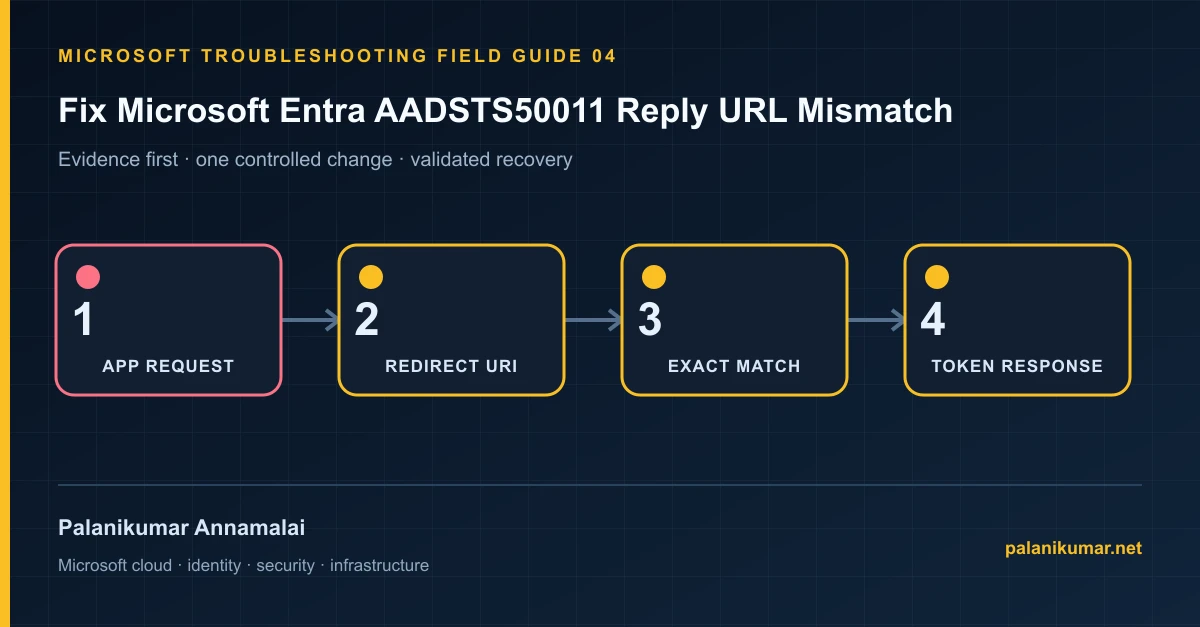
AADSTS50011 is an exact-string comparison failure. Capture the redirect URI sent by the application, identify the correct registration and avoid wildcard-style fixes.
The fastest safe repair is rarely the first setting that makes the error disappear. Start by identifying the failed layer, preserve the evidence, change one cause and repeat the same test.
Recognise the failure
- The application returns AADSTS50011 immediately after authentication.
- Production works while a new hostname, path or environment fails.
- The configured URI looks correct but differs by scheme, port, path or trailing slash.
- The team wants to add several broad redirect URIs to make the error disappear.
Write down the affected identity or resource, UTC time, client, source network and correlation or request ID before retrying. Nearby successful events are useful comparisons, but they are not the failed transaction.
Collect evidence before changing configuration
The following commands are read-only unless a comment explicitly says otherwise. Replace every placeholder and use the least-privileged administrative role that can read the required data.
Connect-MgGraph -Scopes 'Application.Read.All'
$appId = '00000000-0000-0000-0000-000000000000'
$app = Get-MgApplication -Filter "appId eq '$appId'" -Property Id,AppId,DisplayName,Web,Spa,PublicClient
[pscustomobject]@{
  DisplayName = $app.DisplayName
  WebRedirectUris = $app.Web.RedirectUris -join '; '
  SpaRedirectUris = $app.Spa.RedirectUris -join '; '
  PublicClientRedirectUris = $app.PublicClient.RedirectUris -join '; '
}| Evidence | What it proves |
|---|---|
| Request ID and UTC time | Find the exact sign-in event and application ID. |
| Requested URI | Copy the URI from the error or authorization request without normalizing it. |
| Platform type | Web, SPA and public-client redirect URIs are stored separately. |
| Ownership | Confirm the app registration belongs to the application being repaired. |
| Environment | Do not add development or localhost endpoints to a production registration without design review. |
Work through the likely causes
1. Scheme, host, port or path differs
Register the exact vendor-approved redirect URI in the correct platform section. HTTPS and HTTP are different; paths and ports matter.
2. The request uses the wrong application ID
Fix the application configuration so it targets the intended tenant and registration. Do not copy redirect URIs into an unrelated registration.
3. A proxy rewrites the external URL
Align the application’s externally visible callback URL with proxy forwarding headers and the registered URI.
4. An old environment still sends traffic
Remove stale callbacks after proving they are unused. Every redirect URI is part of the application’s authentication attack surface.
Make the fix controlled and reversible
Before changing production, capture the current configuration, name the owner of the affected service and define the rollback trigger. Prefer the narrowest change that corrects the proven cause. Do not disable a tenant-wide security control, remove a protection policy or broaden a role simply to see whether the symptom changes.
Where a change affects identity, mail flow, security telemetry or network routing, use a test object or limited scope first. Record the exact command or portal setting, the operator, timestamp and the evidence that justified it.
Validate the repair
- Start a new private browser session and repeat the complete authorization flow.
- Confirm the sign-in log shows the intended application ID and success.
- Test logout and reauthentication, not only an existing session.
- Remove temporary redirect URIs and document the final environment mapping.
A successful portal message is not the end of validation. Confirm the user or workload outcome, the relevant audit or health record and the absence of a weaker fallback path.
Evidence to keep
- the original error, correlation or request ID and UTC timestamp;
- the read-only command output that identified the failed layer;
- before-and-after configuration for the specific change;
- the successful validation transaction; and
- any limitation that still needs monitoring or vendor escalation.
References
Reader feedback
Was this article useful?
No ratings yet. Be the first to rate this article.