
Practical engineering guidance
You revoked the session, but the user is still connected: tokens, cookies and CAE
Revoking refresh tokens is not the same as deleting every application session. Diagnose which token still authorizes access and whether the workload supports Continuous Access Evaluation.
Series: Microsoft troubleshooting field guides
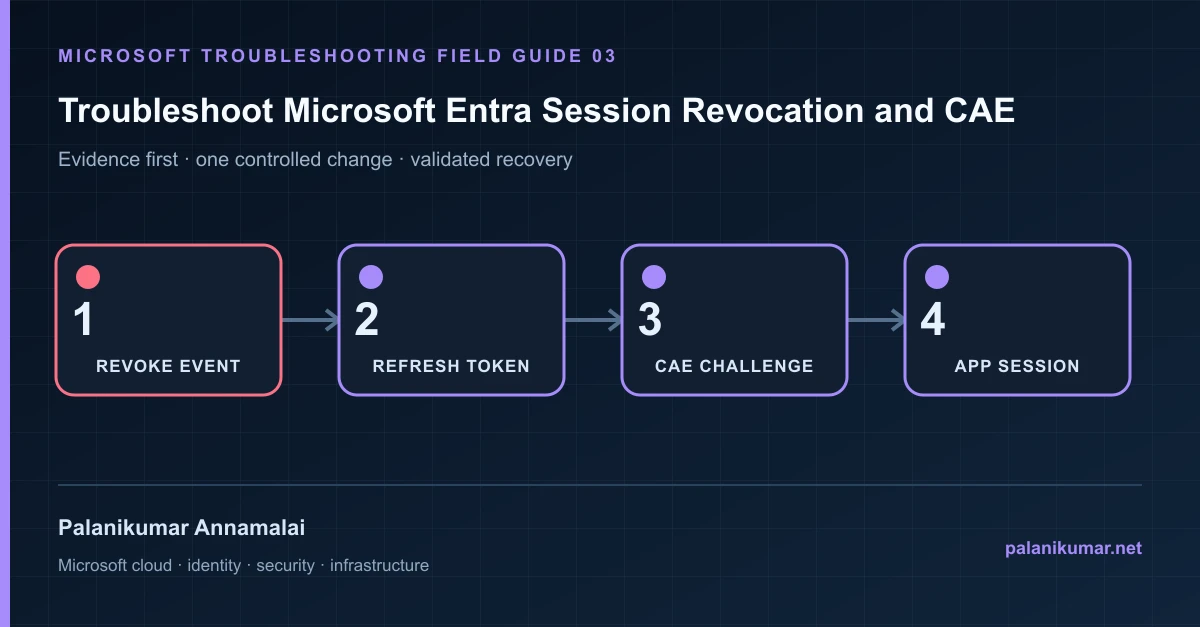
Revoking refresh tokens is not the same as deleting every application session. Diagnose which token still authorizes access and whether the workload supports Continuous Access Evaluation.
The fastest safe repair is rarely the first setting that makes the error disappear. Start by identifying the failed layer, preserve the evidence, change one cause and repeat the same test.
Recognise the failure
- A disabled user still has an open application session.
- Revoke sessions succeeds but a browser tab continues to work.
- One Microsoft 365 service disconnects quickly while another does not.
- A custom application ignores a Conditional Access change until its own cookie expires.
Write down the affected identity or resource, UTC time, client, source network and correlation or request ID before retrying. Nearby successful events are useful comparisons, but they are not the failed transaction.
Collect evidence before changing configuration
The following commands are read-only unless a comment explicitly says otherwise. Replace every placeholder and use the least-privileged administrative role that can read the required data.
Connect-MgGraph -Scopes 'User.Read.All','AuditLog.Read.All'
$user = Get-MgUser -UserId 'user@contoso.com' -Property Id,DisplayName,AccountEnabled,SignInSessionsValidFromDateTime
$user | Select-Object DisplayName, AccountEnabled, SignInSessionsValidFromDateTime

Get-MgAuditLogSignIn -Filter "userId eq '$($user.Id)'" -Top 20 |
  Select-Object CreatedDateTime, AppDisplayName, ResourceDisplayName,
ConditionalAccessStatus, CorrelationId| Evidence | What it proves |
|---|---|
| Account state | Blocking sign-in prevents new authentication but does not directly erase every workload cookie. |
| Refresh-token validity | signInSessionsValidFromDateTime shows the revocation boundary. |
| Access-token resource | Access tokens are resource-specific and usually remain valid until expiry unless CAE is enforced. |
| Application cookie | A web application can issue its own session cookie and control its own revocation. |
| CAE support | The client and resource must understand claim challenges for near-real-time enforcement. |
Work through the likely causes
1. The workload uses its own session cookie
Terminate the application session through that workload where supported. Entra cannot directly revoke a cookie issued and trusted only by the application.
2. The client or resource is not CAE capable
Expect access to end at token expiry or the next authentication challenge. Record this containment delay in the incident plan.
3. The session used application credentials
User-session revocation does not revoke service-principal secrets, certificates or managed identities. Investigate the identity that actually acquired the token.
4. The policy or group change has not propagated
Revoke the affected user session after the change and validate the exact resource. Some group and policy changes can take longer to reach resource providers.
Make the fix controlled and reversible
Before changing production, capture the current configuration, name the owner of the affected service and define the rollback trigger. Prefer the narrowest change that corrects the proven cause. Do not disable a tenant-wide security control, remove a protection policy or broaden a role simply to see whether the symptom changes.
Where a change affects identity, mail flow, security telemetry or network routing, use a test object or limited scope first. Record the exact command or portal setting, the operator, timestamp and the evidence that justified it.
Validate the repair
- Test each critical workload separately; do not infer one service from another.
- Confirm new token acquisition is denied after account disablement.
- Review sign-ins after the revocation timestamp for unexpected resources or clients.
- Rotate application credentials if the incident involved app-only access.
A successful portal message is not the end of validation. Confirm the user or workload outcome, the relevant audit or health record and the absence of a weaker fallback path.
Evidence to keep
- the original error, correlation or request ID and UTC timestamp;
- the read-only command output that identified the failed layer;
- before-and-after configuration for the specific change;
- the successful validation transaction; and
- any limitation that still needs monitoring or vendor escalation.
References
Reader feedback
Was this article useful?
No ratings yet. Be the first to rate this article.