
Practical engineering guidance
Conditional Access error 53003: find the policy that actually blocked the sign-in
Error 53003 only says Conditional Access blocked the request. The fix comes from correlating the exact sign-in event, policy result, device state and resource dependency.
Series: Microsoft troubleshooting field guides
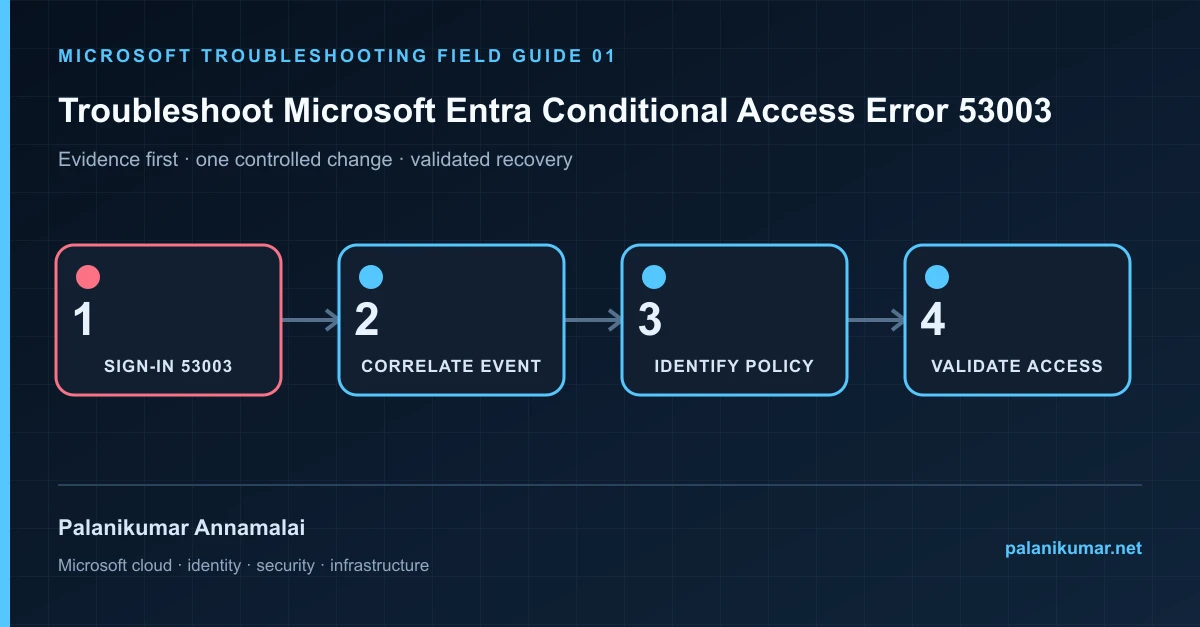
Error 53003 only says Conditional Access blocked the request. The fix comes from correlating the exact sign-in event, policy result, device state and resource dependency.
The fastest safe repair is rarely the first setting that makes the error disappear. Start by identifying the failed layer, preserve the evidence, change one cause and repeat the same test.
Recognise the failure
- The browser shows AADSTS53003 or “access has been blocked by Conditional Access.”
- The same user can access one Microsoft 365 workload but not another.
- The What If tool appears to disagree with the failed sign-in.
- A compliant or joined device is reported as unknown in the sign-in record.
Write down the affected identity or resource, UTC time, client, source network and correlation or request ID before retrying. Nearby successful events are useful comparisons, but they are not the failed transaction.
Collect evidence before changing configuration
The following commands are read-only unless a comment explicitly says otherwise. Replace every placeholder and use the least-privileged administrative role that can read the required data.
Connect-MgGraph -Scopes 'AuditLog.Read.All','Policy.Read.All'

$upn = 'user@contoso.com'
$since = (Get-Date).AddHours(-4).ToUniversalTime().ToString('o')

Get-MgAuditLogSignIn -Filter "userPrincipalName eq '$upn' and createdDateTime ge $since" -All |
  Select-Object CreatedDateTime, AppDisplayName, ResourceDisplayName,
    @{n='ErrorCode';e={$_.Status.ErrorCode}},
    @{n='FailureReason';e={$_.Status.FailureReason}},
    ConditionalAccessStatus, CorrelationId |
Sort-Object CreatedDateTime -Descending| Evidence | What it proves |
|---|---|
| Correlation ID and UTC time | Select the exact failed transaction, not a nearby successful one. |
| Resource and client app | Conditional Access evaluates the requested resource and authentication flow. |
| Applied policies | Inspect each policy result: success, failure, not applied or report-only. |
| Device detail | Check trust type, compliance, device ID and whether the device claim was present. |
| Authentication details | Confirm MFA method, authentication strength and whether the session reused an earlier claim. |
Work through the likely causes
1. A policy intentionally blocked the request
Confirm every assignment condition: user, target resource, platform, location, client app, device filter and risk. Change scope only after proving the business exception.
2. The device claim is absent or stale
Compare the sign-in device ID with the Entra and Intune records. Check registration, compliance evaluation and Primary Refresh Token state before changing the policy.
3. A service dependency was targeted
Some applications call downstream resources. Review the sign-in log resource, not only the application tile the user opened.
4. The What If result differs
What If evaluates policy configuration, not token history, service dependencies or every authentication-flow detail. Treat the actual sign-in event as primary evidence.
Make the fix controlled and reversible
Before changing production, capture the current configuration, name the owner of the affected service and define the rollback trigger. Prefer the narrowest change that corrects the proven cause. Do not disable a tenant-wide security control, remove a protection policy or broaden a role simply to see whether the symptom changes.
Where a change affects identity, mail flow, security telemetry or network routing, use a test object or limited scope first. Record the exact command or portal setting, the operator, timestamp and the evidence that justified it.
Validate the repair
- Repeat the same application, user, device, network and client flow.
- Confirm the new sign-in result is Success and identify every applied policy.
- Verify the exception did not permit legacy authentication or weaken unrelated users.
- Keep emergency-access accounts outside normal Conditional Access dependencies and test them separately.
A successful portal message is not the end of validation. Confirm the user or workload outcome, the relevant audit or health record and the absence of a weaker fallback path.
Evidence to keep
- the original error, correlation or request ID and UTC timestamp;
- the read-only command output that identified the failed layer;
- before-and-after configuration for the specific change;
- the successful validation transaction; and
- any limitation that still needs monitoring or vendor escalation.
References
Reader feedback
Was this article useful?
No ratings yet. Be the first to rate this article.