
Practical engineering guidance
Sentinel analytics rule did not fire: replay the exact query window before changing it
A rule can run successfully and still produce no alert. Reconstruct its lookback, threshold, grouping and ingestion delay before rewriting the KQL.
Series: Microsoft troubleshooting field guides
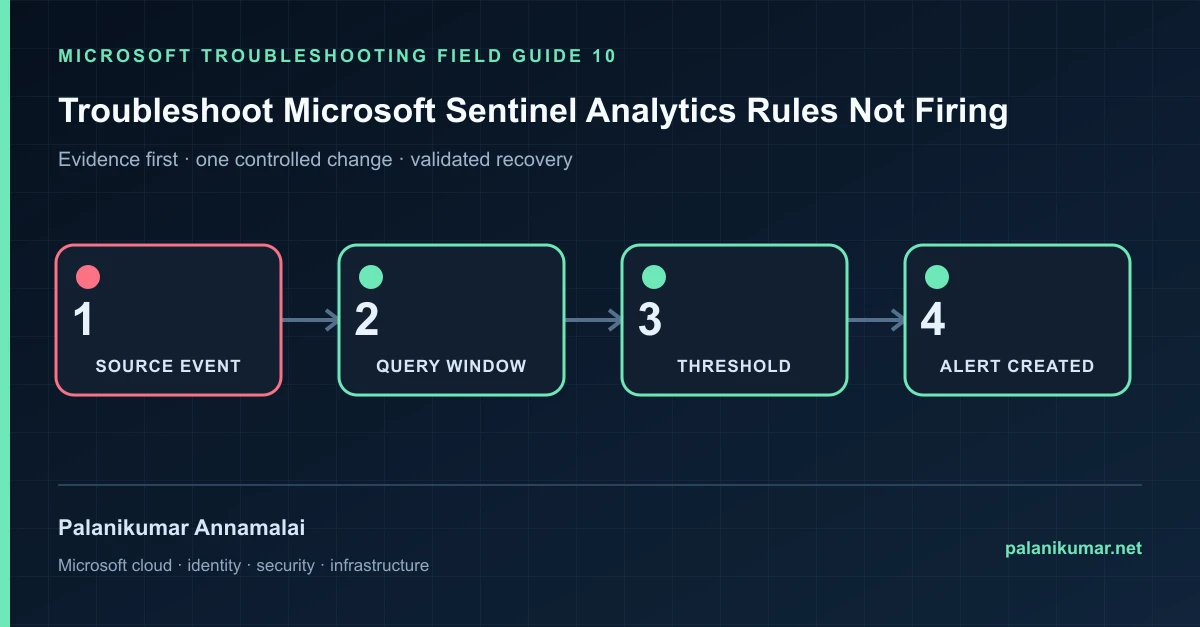
A rule can run successfully and still produce no alert. Reconstruct its lookback, threshold, grouping and ingestion delay before rewriting the KQL.
The fastest safe repair is rarely the first setting that makes the error disappear. Start by identifying the failed layer, preserve the evidence, change one cause and repeat the same test.
Recognise the failure
- The KQL returns rows manually but the scheduled rule creates no alert.
- The rule succeeds with “threshold not reached.”
- A table or function error appears only during scheduled execution.
- Late-arriving data falls outside the rule window.
Write down the affected identity or resource, UTC time, client, source network and correlation or request ID before retrying. Nearby successful events are useful comparisons, but they are not the failed transaction.
Collect evidence before changing configuration
The following commands are read-only unless a comment explicitly says otherwise. Replace every placeholder and use the least-privileged administrative role that can read the required data.
SentinelHealth
| where TimeGenerated > ago(24h)
| where OperationName in ('Scheduled analytics rule run','NRT analytics rule run')
| project TimeGenerated, SentinelResourceName, Status, Description, Reason
| order by TimeGenerated desc

// Replay with the rule's actual lookback and execution boundary.
let RuleRunTime = datetime(2026-10-15T08:00:00Z);
let Lookback = 15m;
SigninLogs
| where TimeGenerated between (RuleRunTime-Lookback .. RuleRunTime)
| summarize Events=count() by UserPrincipalName| Evidence | What it proves |
|---|---|
| Rule-health event | Prove whether the rule ran, failed, timed out or stayed below threshold. |
| Exact run time | Manual “last 24 hours” results do not reproduce a 5-minute scheduled window. |
| Ingestion delay | Compare TimeGenerated with ingestion_time() for late data. |
| Threshold and suppression | Rows can exist while grouping or suppression prevents an alert. |
| Entities and custom functions | Schema changes, missing tables or function errors can break scheduled context. |
Work through the likely causes
1. The query window missed the event
Align lookback with measured ingestion delay and rule frequency. Avoid unlimited lookbacks that repeatedly alert on old data.
2. The threshold or grouping was not met
Inspect the final row count after every summarize and filter. Test the exact configured threshold.
3. The rule failed at runtime
Use SentinelHealth to identify timeout, missing table, syntax or semantic errors. Save the rule after correcting the named failure.
4. Suppression or incident grouping hid the result
Check alert generation, suppression duration and incident grouping separately. The incident list alone is not proof that no alert fired.
Make the fix controlled and reversible
Before changing production, capture the current configuration, name the owner of the affected service and define the rollback trigger. Prefer the narrowest change that corrects the proven cause. Do not disable a tenant-wide security control, remove a protection policy or broaden a role simply to see whether the symptom changes.
Where a change affects identity, mail flow, security telemetry or network routing, use a test object or limited scope first. Record the exact command or portal setting, the operator, timestamp and the evidence that justified it.
Validate the repair
- Replay a synthetic or approved historical event through the exact time window.
- Confirm SentinelHealth records a successful run and alert count.
- Verify mapped entities and incident grouping.
- Monitor rule failures and zero-result anomalies after deployment.
A successful portal message is not the end of validation. Confirm the user or workload outcome, the relevant audit or health record and the absence of a weaker fallback path.
Evidence to keep
- the original error, correlation or request ID and UTC timestamp;
- the read-only command output that identified the failed layer;
- before-and-after configuration for the specific change;
- the successful validation transaction; and
- any limitation that still needs monitoring or vendor escalation.
References
Reader feedback
Was this article useful?
No ratings yet. Be the first to rate this article.